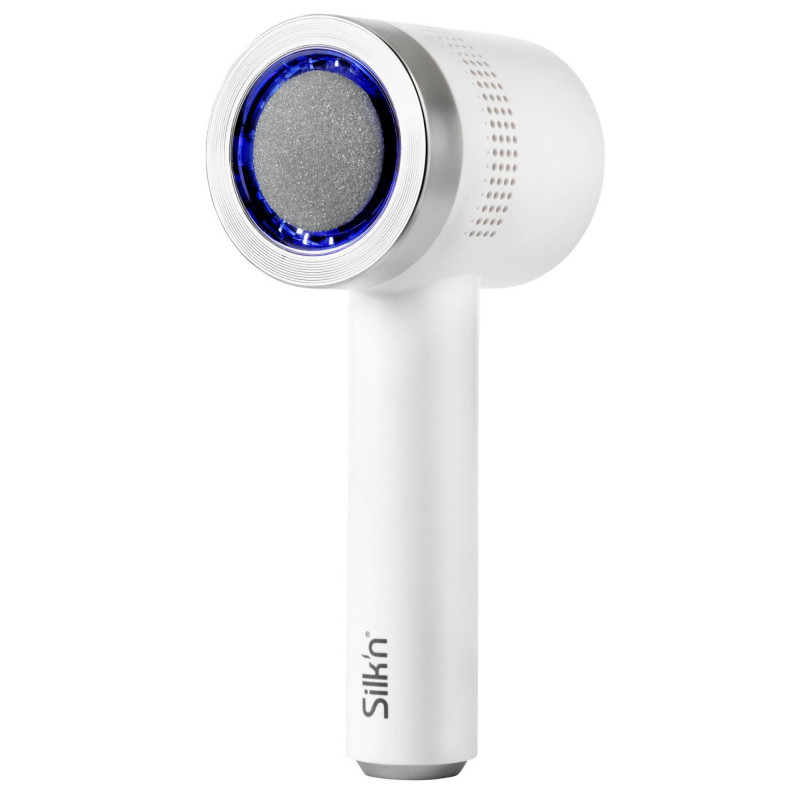
- Product type: Electric heel file
- Vacuum system: Built-in system for collecting skin particles
- Number of abrasive discs: 3
- Operating speeds: 2
- Low speed: Up to 1350 rpm
- High speed: Up to 1550 rpm
- Maximum rotation speed: 1550 rpm
- Application: For dry skin only
- Power source: Rechargeable battery
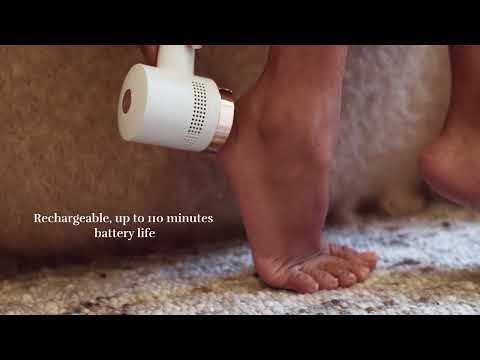
- Cordless operation: Up to 110 minutes of runtime
- Charging time: 2.5 hours
- Charging indicator
- Weight: 0.26 kg
- Dimensions (HxWxD): 8.9 x 6.4 x 18 cm
- Color: White/silver
Compatible accessories:
- Set of abrasive discs (1 fine and 1 medium)
- Set of abrasive discs (1 medium and 1 coarse)
- Set of replacement filters (4 pcs.)
Intended use:
- Callus removal
- Removing rough skin
- Exfoliating the feet
Filter system:
- Replaceable filters
- Washable filters
- 3 filters included
Abrasive discs:
- Fine
- Medium
- Coarse
The set includes:
- VacuPedi device
- Fine abrasive disc
- Medium abrasive disc
- Coarse abrasive disc
- 3 filters
- Safety cover
- USB-C cable
- Cleaning brush
- User manual
Frequently Asked Questions:
What is Silk’n VacuPedi?
- An electric foot file with a built-in vacuum system that removes calluses in seconds and collects the exfoliated skin directly into the device.
Why should I use an electric foot file?
- It is safer than metal scrapers and more effective than pumice stones, reducing the risk of skin injury.
How is it different from other devices?
- It uses a vacuum system for cleaner and more hygienic use. Instead of rollers, it uses rotating discs for more effective removal of rough skin. The device is battery-powered and rechargeable, ensuring consistent power without any drop over time.
How does it work?
- The skin must be clean and dry. Insert a filter and the selected disc (fine, medium, or coarse). Turn on the device and move it over the rough areas for a few seconds. After use, clean the skin with water or a damp cloth.
Power:
- Recharges via a USB-C cable and provides up to 110 minutes of use.
Cleaning:
- Remove the disc, the retaining ring, and the filter. Clean the body with a damp cloth, and clean the container and accessories with the included brush. Wash the filter and let it dry completely.
Replacing consumables:
- Replace the filter if it becomes clogged or worn. Replace the disc if it shows visible wear.



 Security policy
 Delivery policy
 Return policy